Does My Chevrolet App Work Without OnStar? Many Chevrolet owners ask this right after installing the app. They expect full remote control without paying extra. The truth is simpler but also more limited.
Yes, the My Chevrolet App still works without OnStar. However, it only offers basic functions. You cannot access most remote or real time features without an active subscription. This is where many users feel confused or even frustrated.
Most drivers think the app works on its own. They expect to start the car remotely, check vehicle status, or track location for free. These features often stop working after the trial ends. That is when users realize the app depends on something else.
The My Chevrolet App connects to your vehicle through the OnStar system. Without it, the app loses most of its power. It becomes more like an information tool than a control center.
In this guide, you will learn what the app can do without OnStar. You will also see which features require payment. This will help you decide if the subscription is worth it.
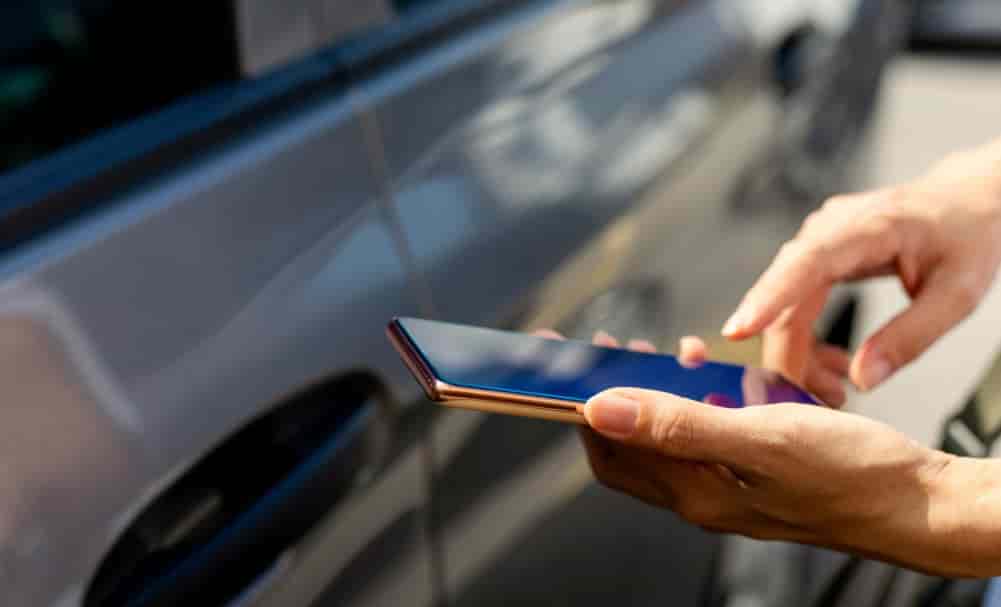
What Is the My Chevrolet App and How It Works
The My Chevrolet App is a mobile tool that connects your smartphone to your Chevrolet vehicle. It gives you access to vehicle data and remote controls in one place. However, the app does not work independently.
Chevrolet designed the app as part of a larger connected system. This system relies on OnStar to send and receive data. When you tap a command in the app, the request does not go directly to your car. Instead, it travels through cloud servers, then through the OnStar network, and finally reaches your vehicle.
This structure explains why many features stop working without a subscription. The app needs an active connection to the OnStar service to function fully. Without it, the communication chain breaks.
It helps to think of the app as a remote control. OnStar acts as the signal that makes that remote work. If the signal disappears, the remote still exists, but it cannot perform most actions.
This also explains a common misunderstanding. Many users believe the app itself provides the features. In reality, the app only delivers access to services powered by OnStar. Without that service, the app becomes limited in both data and control.
Understanding this system helps you avoid confusion. It also makes it easier to decide whether you need a paid plan.
Features That Work Without OnStar
Even without an active OnStar subscription, the My Chevrolet App still provides a few basic features. However, these features focus more on information than control. You can access simple tools, but you cannot interact with your vehicle in real time.
One of the main functions available is access to your vehicle’s owner manual. This helps when you need quick guidance without searching online. You can also view basic vehicle information such as model details or saved preferences inside the app.
The app may still show maintenance reminders. These reminders depend on stored data rather than live vehicle updates. Because of this, the information may not always reflect the current condition of your car.
Another available feature is the dealer locator. You can find nearby Chevrolet dealerships and service centers بسهولة. This is useful for scheduling maintenance or getting support.
However, it is important to understand the limitation here. The app does not provide live data without OnStar. You will not see real time diagnostics, fuel levels, or tire pressure updates. The app cannot communicate directly with your vehicle.
In simple terms, the My Chevrolet App without OnStar works more like a reference tool. It helps you manage information, but it does not give you control over your car.
This is where many users feel disappointed. They expect smart features, but only get static information.
Features That Require OnStar Subscription
Most of the powerful features in the My Chevrolet App require an active OnStar subscription. These features turn the app from a simple tool into a true remote control for your vehicle. Without OnStar, these functions will not work.
One of the most popular features is remote start. With OnStar, you can start your car from anywhere using your phone. This is especially useful in hot or cold weather. Without a subscription, this feature is completely unavailable.
You also need OnStar to lock or unlock your vehicle remotely. Many drivers rely on this when they forget their keys or need to give access to someone else. The app cannot send these commands without a live connection.
Real time vehicle status is another key feature. With OnStar, you can check fuel level, tire pressure, oil life, and battery status instantly. Without it, the app cannot retrieve live data from your car.
Vehicle location tracking also depends on OnStar. This feature helps you find your car in a crowded parking lot or track it for security reasons. Without a subscription, location services stop working.
In addition, diagnostic reports and vehicle health alerts require OnStar. These reports help detect issues early and can save repair costs over time.
Safety features are also tied to the service. Emergency assistance, crash response, and roadside support all rely on OnStar. These are critical functions that go beyond convenience.
To make it clear, here is the key difference in simple terms. With OnStar, the app gives you full control and live data. Without it, you lose most interactive and real time capabilities.
This is why many users feel the app suddenly becomes limited after their free trial ends. The core features they relied on are no longer active.
Do You Need to Pay for OnStar to Use the App
You do not need to pay to download or install the My Chevrolet App. The app itself is free. However, most of its key features require a paid OnStar subscription.
When you first buy a Chevrolet vehicle, you often receive a free trial. This trial usually lasts for a limited time depending on the model and package. During this period, you can use premium features such as remote start, vehicle status, and location tracking without paying.
The problem begins when the trial ends. Many users do not realize the trial has expired until the app stops responding. Features that worked before suddenly become unavailable. This creates confusion and frustration.
OnStar offers several subscription plans. These plans vary in price and features. Some focus on safety, while others include full remote access and connected services. The cost can range from a few dollars per month to higher tier plans with more advanced features.
This leads to a key insight. The My Chevrolet App is free, but the experience is not. The real value comes from the services behind it. Without paying, you only access a small portion of what the app can do.
For some users, the subscription feels worth it. They value convenience, safety, and remote control. For others, the cost becomes a concern, especially if they rarely use these features.
Understanding this difference helps you make a better decision. You can choose based on your needs instead of expectations.
Real User Scenarios
To understand how the My Chevrolet App works without OnStar, it helps to look at real usage situations. These scenarios reflect what most drivers experience after installing the app.
First, consider a user without any OnStar subscription. They open the app and expect remote features. Instead, they only see basic information. They can read the manual, check saved details, and locate a dealer. However, they cannot control the vehicle. The app feels limited and less useful than expected.
Now look at a user with an active OnStar plan. This user can start the car remotely, lock or unlock doors, and check vehicle status in real time. They can also locate the car and receive alerts. The app becomes a powerful tool that adds convenience to daily driving.
A third scenario happens when the free trial ends. At first, everything works perfectly. Then, one day, remote commands stop responding. The user tries to restart the app or reconnect the vehicle. Nothing changes. The issue is not technical. The subscription has expired.
These scenarios highlight a clear pattern. The app experience depends almost entirely on OnStar. Without it, the app offers limited value. With it, the app becomes a smart extension of the vehicle.
This is why many users feel confused at first. Their expectations do not match how the system actually works.
Why My Chevrolet App May Not Work Without OnStar
Many users think the My Chevrolet App has a bug when features stop working. In reality, the issue often comes from the lack of an active OnStar subscription.
The most common reason is an expired trial. After the free period ends, the system disables premium features. The app still opens, but remote commands no longer respond. This can feel like a technical error, but it is actually a service limitation.
Another reason is a missing connection between the vehicle and the OnStar network. The app depends on a continuous data link. If the vehicle cannot connect to the system, the app cannot send or receive updates.
Account issues can also cause problems. If your account is not properly linked to your vehicle, the app may fail to display accurate information. In some cases, users log in with the wrong account and lose access to their vehicle data.
It is important to understand how the system works. The app sends a request to a server. The server passes that request through OnStar. Then the signal reaches your vehicle. If any part of this chain breaks, the feature will not work.
Without OnStar, this connection chain is incomplete. That is why most interactive features stop functioning. The app itself is not broken. It simply does not have the service it needs to operate fully.
Understanding this helps you avoid unnecessary troubleshooting. It also saves time when identifying the real issue.
Alternatives If You Do Not Want OnStar
If you decide not to pay for OnStar, you still have a few alternatives. However, none of them offer the same level of integration as the My Chevrolet App with an active subscription.
The most basic option is the key fob. Many Chevrolet vehicles support remote start directly from the key fob. This allows you to start the engine and unlock doors within a short range. It works reliably, but only when you are close to the vehicle.
Another option is installing an aftermarket remote start system. These systems can extend the range and sometimes allow control through a separate mobile app. However, they require additional cost and installation. They also may not integrate smoothly with your vehicle’s original system.
You can also use third party tracking devices. These devices help you monitor your vehicle’s location and basic data. Some offer mobile apps with simple features. Still, they often lack deep access to vehicle controls and diagnostics.
Each of these options solves part of the problem. None of them fully replace what OnStar provides. You may save money, but you also lose convenience and seamless control.
This creates a clear trade off. If you want full remote access and real time data, OnStar remains the most complete solution. If you only need basic functions, these alternatives may be enough.
Is OnStar Worth It and Final Conclusion
Deciding whether OnStar is worth it depends on how you use your vehicle. For many drivers, the value comes from convenience and peace of mind. Remote access, real time vehicle data, and safety features can make daily driving easier and more secure.
If you often park in large areas, remote location tracking becomes very useful. If you live in extreme weather, remote start can save time and increase comfort. Safety services such as emergency assistance also add an extra layer of protection.
However, not every driver needs these features. If you mainly use your car for short trips and do not rely on remote access, the subscription may feel unnecessary. The monthly cost can add up over time, especially if you rarely use the advanced functions.
This brings us back to the main question. Does My Chevrolet App Work Without OnStar? The answer is yes, but only at a basic level. You can access limited information, but you lose most of the features that make the app truly useful.
In simple terms, the app is free, but the experience is not. OnStar unlocks the full potential of the My Chevrolet App. Without it, the app becomes a lightweight companion instead of a powerful control tool.
Before you decide, consider how much you value convenience, control, and safety. This will help you choose whether the subscription is worth the cost.